
Fedora
26 Apr 2026 · Fedora displaces Windows?
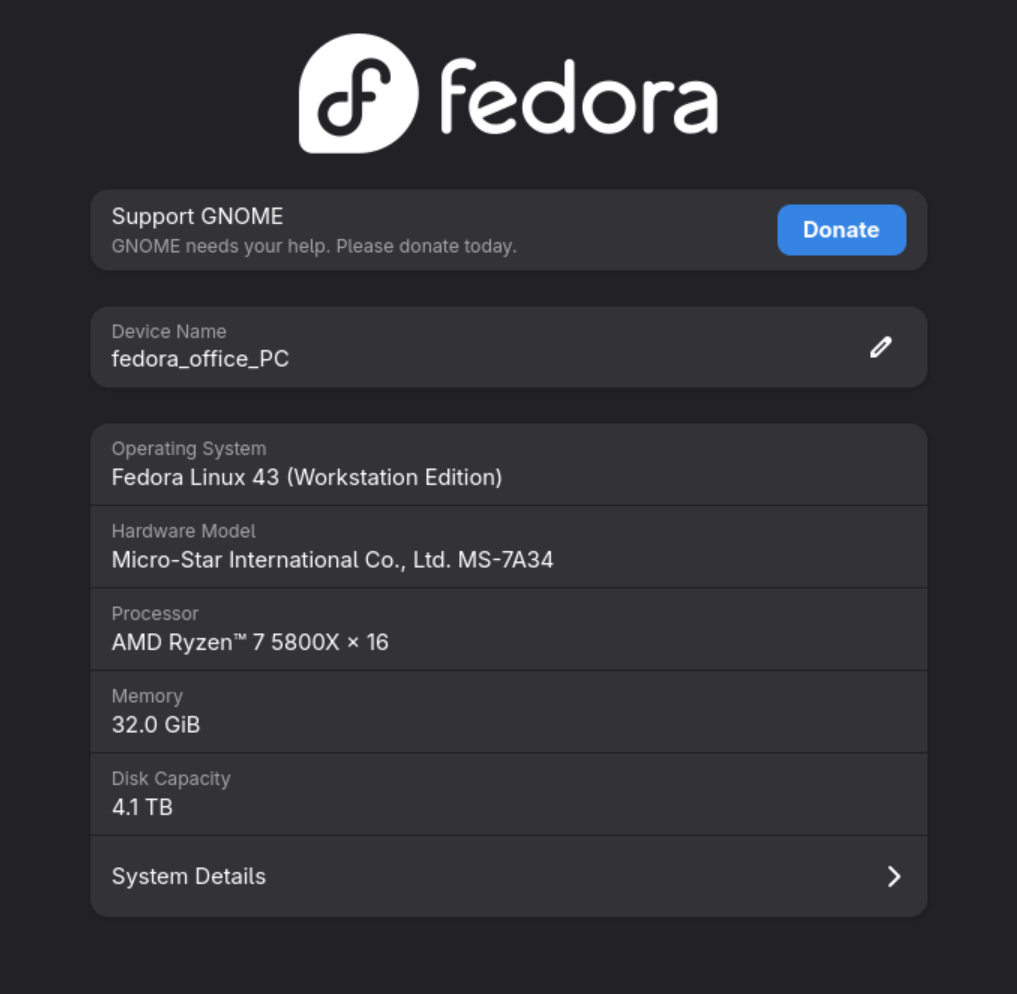
A writeup of my migration to Fedora
I've reached my tolerance limit with Windows 11.
Not because it doesn't work, it does. Mostly. And I still need it for Office & Photoshop, so it isn't going anywhere just yet.
The adverts, nags, “suggestions”, account nudges, Copilot nonsense and the general feeling that my PC is slowly becoming a sponsored content delivery platform finally tipped me over the edge. My laptop dual boots and has done since I first set it up. From today, my PC now also dual boots, only to Fedora, Ubuntu is starting to lose some of the magic, so I'm test driving Fedora on my main PC.
I didn't go full white socks and sandals, I'm tied to a couple of Windows apps. But for everything else, I've made myself a Linux setup that suits me for most things, and W11 for the awkward stuff.
Starting Point
The PC has a 1TB M.2 boot drive with Windows 11 already installed. There's a 512GB SSD for fast storage and a couple of big spinners for bulky storage. Long term stuff sits on the NAS, but old habits die hard!Windows was using about 250GB of the drive, leaving 750GB (ish) free. So it was easy and logical for me to shrink the Windows volume, give Fedora a decent chunk of space to play with and leave the Windows install as is. I went with a 700 / 300 split (Windows/Fedora).
Thankfully I hadn't encrypted the volume, so resizing it using disk manager was easy. The final layout is 100MB EFI System Partition, 637GB Windows C:, 293GB Unallocated (Fedora space), 730MB Windows Recovery Partition. Nice and tidy.
Installing Fedora
I downloaded Fedora 43 Workstation, then using Rufus wrote it to a USB. I ran it as a live USB, tested everything and it all worked so I installed it on the unallocated space. The install process is straightforward and it's easy to select the unallocated space, making sure that the install doesn't upset Windows. The install went fine, took a few minutes, click, click, yes, reboot.First boot weirdness
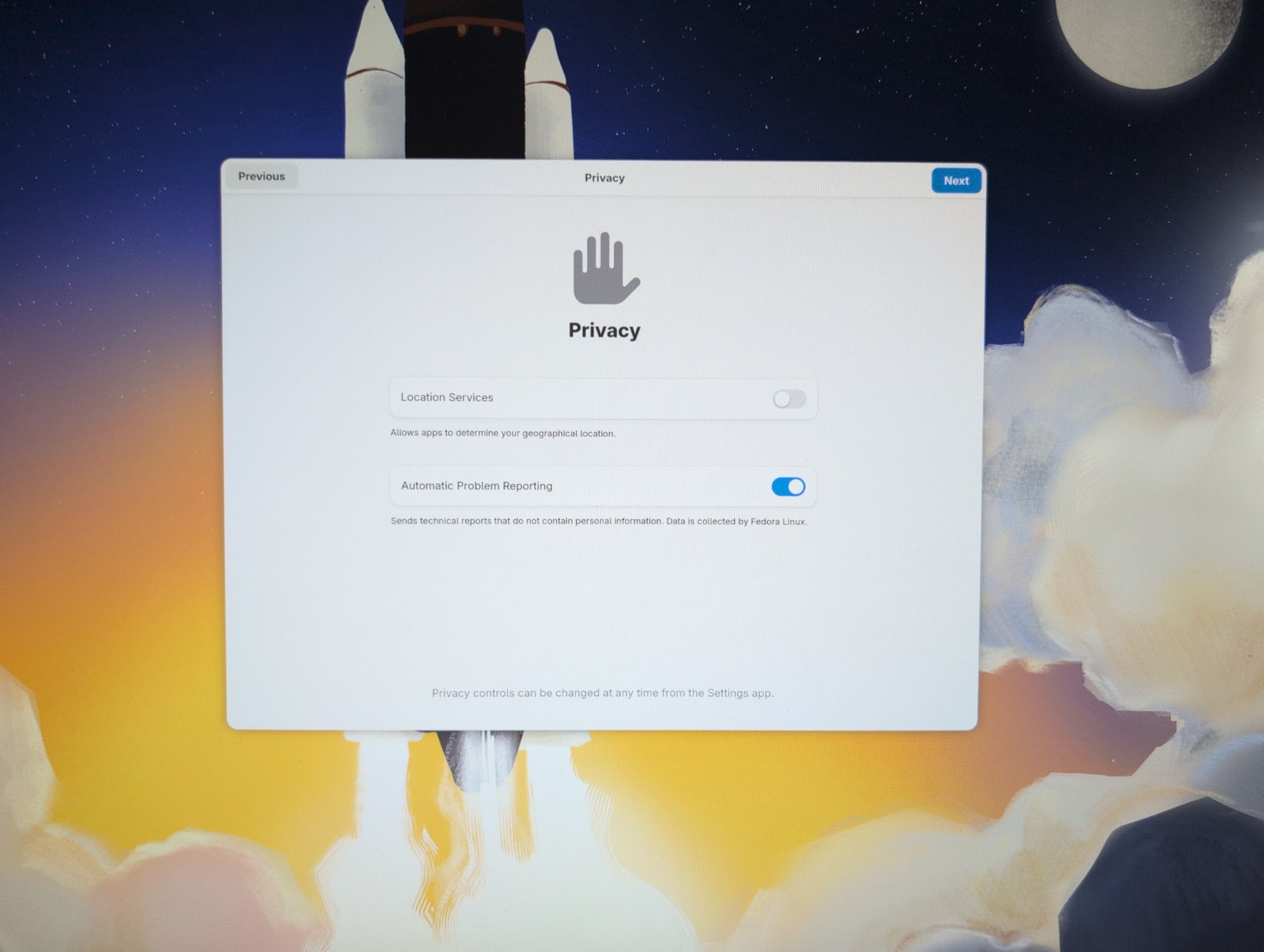
The install went fine, rebooted, back to Windows. Damn it, I forgot to change the motherboard settings. Reboot again, hammer F11 to get into BIOS setup. Changed the boot order to move the Fedora partition up and the Windows partition down. It now boots by default into Fedora after a short pause, allowing you to select the W11 partition if you fancy.First (second or third actually, but who's counting) boot, Fedora setup wizard. Which got stuck on the privacy screen. No matter what I did, it stuck here.
Right now, it's behaving like a proper OS, rather than a puzzle, so that's nice.
Making it useful to me
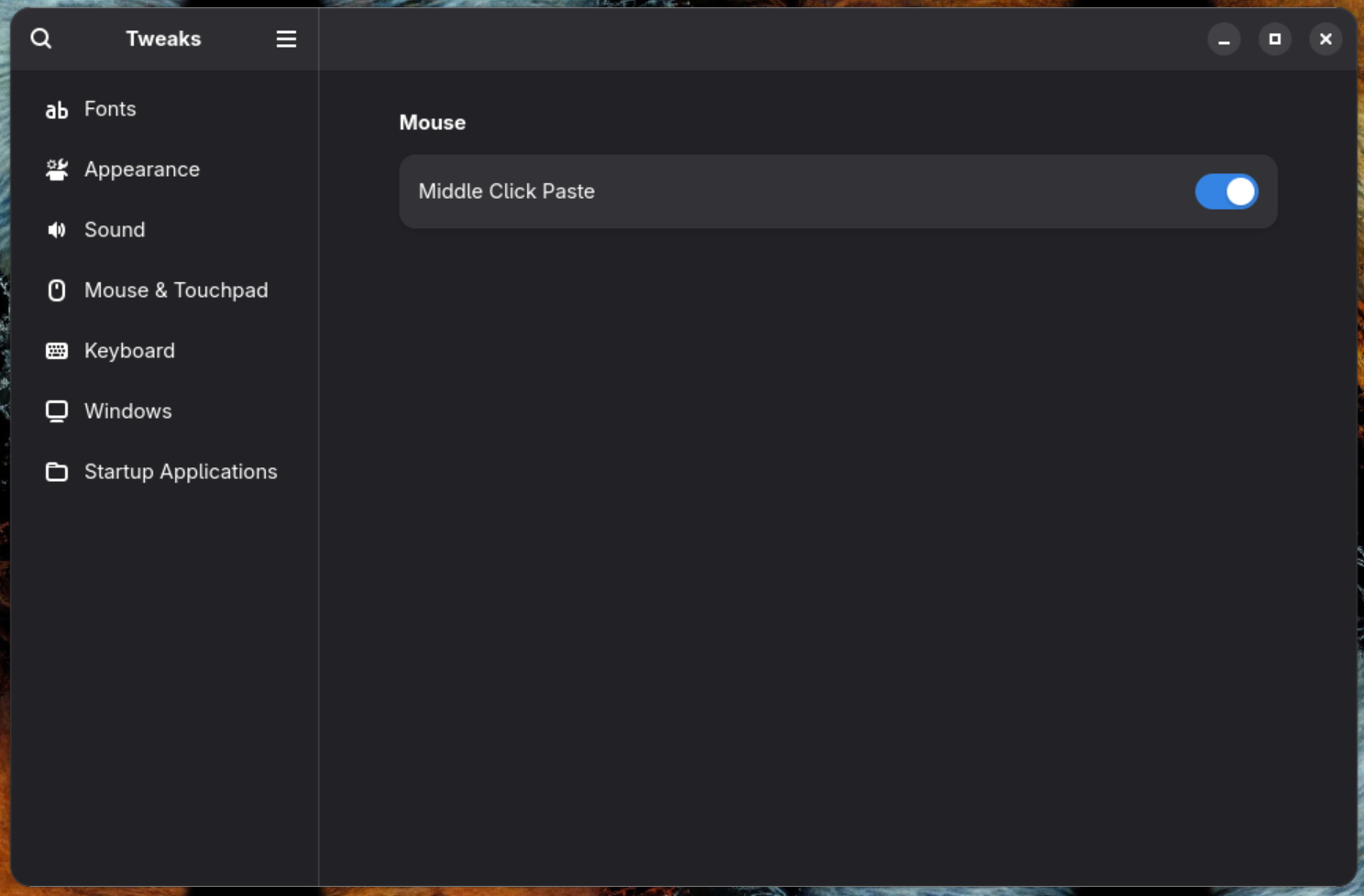
Passwords first. I host Bitwarden on my NAS behind Tailscale, so first step, install Tailscale. Logged the Fedora machine onto my Tailnet and confirmed it could see the NAS. I'm struggling with the Bitwarden browser extension & desktop app. I've tried the usual faffing, but no luck. It's getting stuck on the WebAuth/two-step verification and passkey handling. I figured I can log into the web interface, so it'll be fine for tonight, I didn't want to burn the full evening faffing about with security settings... this was supposed to be a Fedora setup, not a hostage negotiation with browser extensions, so I moved on.There's a phrase "Gnome, being Gnome", it's known for it's foibles and quirks. There's a philosophy in Gnome, keep the UI simple, remove the knobs and make the default sensible. I wanted to knock the Gnomeiest edges off and make it a bit more of a Windows like experience for me. It's nice when it works, but often annoying when you want to do things. Easy to fix with sudo dnf install -y gnome-tweaks gnome-extensions-app gnome-shell-extension-appindicator gnome-shell-extension-dash-to-dock and sudo dnf install -y git curl wget nano htop btop fastfetch unzip p7zip p7zip-plugins vlc gimp inkscape
Next step is a couple of NAS mappings. Despite the big spinners in the box, file storage is by default on my Synology NAS, so I mounted the usual suspects, Dad, Multimedia, Radio & Backup using CIFS. The access credentials are locked down with chmod 600 to me. They're all set as favorites in Files, so it feels like a Windows mapped drive with a light Linux garnish!
VS Code
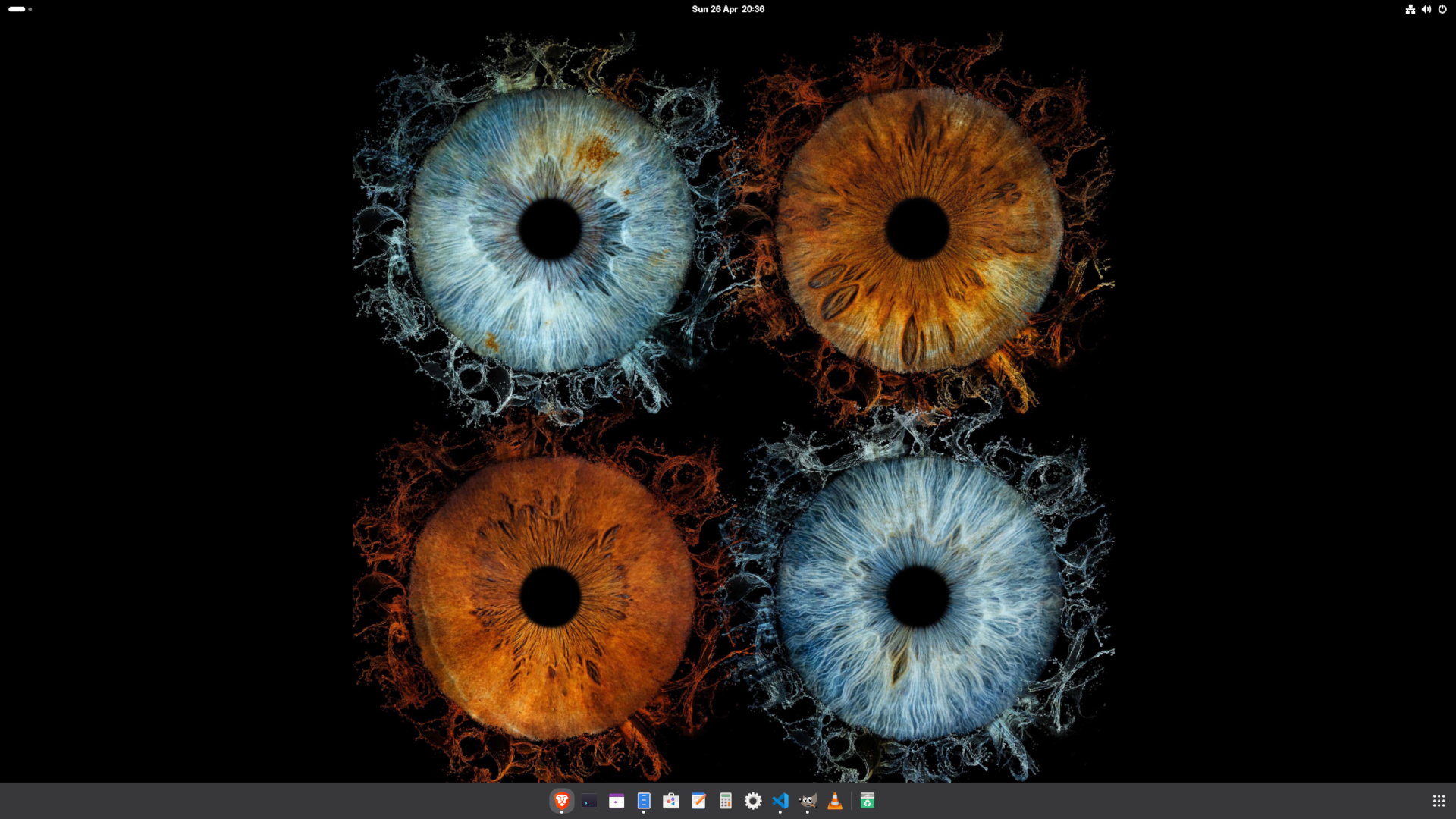
I've been using VS Code for a year or so now, and I think it's great. That it's available on Linux is great, outside of work stuff I can't do on my laptop and photochop, it's the main thing I use this PC for. So a native Linux app was one of the other big reasons I was confident that a move to Linux wouldn't be a pain in the arse. Of course I wish there was a MS Office & Photoshop install available, but that'd be too easy. A few minutes and a couple of extensions later and it's exactly the same as my Windows install. Happy days.I use PHP Intelephense, Python, GitHub Pull Requests, Prettier, HTML CSS Support, Apache Conf, Remote - SSH and Code Spell Checker. I set bash as the integrated terminal and the spelling error underline to red. At this point, we're pretty much wrapped up and good to go.
Windows as the secondary OS
I work for a company that uses MS Office, so if I ever want to work on my PC rather than my work laptop I need to have access to the office applications. My laptop plugs into my screens but if I'm doing a complex piece of work my home PC has just got more grunt. So sometimes I use it rather than my laptop. So I need Windows. I also use photoshop for faffing with photos, I know GIMP is good, but I've been using photoshop since 2000, you know what they say about old dogs & new tricks. If I'm just doing something quick (like these screenshots) then GIMP works fine, but if I'm polishing a photo before printing it, then I'm happy to boot into Windows and use PS, sure, it's a bit inconvenient, but being free(ish) of Windows for day-to-day stuff is worth it.Because of this, Windows is going nowhere, I need it to be there in the background, but for normal use, Fedora is here to stay. It took a couple of hours start to finish (well, as finished as it is as I type this!) and it's decent. The split of who does what is pretty simple. Windows is no longer the default place I live.
How I’m splitting the PC
Fedora is now the day-to-day desktop, with Windows 11 kept around for the things that still need it.
| Fedora | Windows 11 |
|---|---|
| Daily browsing | Photoshop |
| Coding | Proper desktop Office |
| Website faffing | Awkward vendor tools |
| NAS work | — |
| Radio, APRS and RF projects | — |
| General computing | — |
| The three games I play | — |
Best of all, Fedora hasn’t once tried to tell me about news stories I don’t care about or get me to install Candy Crush.
Fedora score card
This score card will soon be out of date, but I'm putting it in anyway!
| Working fine | In progress |
|---|---|
| Dual Booting | Bitwarden App & Extension |
| Fedora | Hardware quirks yet to discover |
| Tailscale | — |
| Bitwarden Web | — |
| NAS Shares | — |
| VS Code | — |
| Gnome Tweaks | — |
| Apps & Tools | — |