
Keeping My Online Things Secure
16 Oct 2025 · 2FA · Passkeys · Password Manager
I try and keep things secure, but usable
Like everyone I do quite a lot of 'digital' stuff that involves my personal information. At home in the real world, we're careful with our info, we shred letters, burn thermal address labels, tick the don't use my details box, lock the doors etc. As life has evolved to become more and more online I've taken a similar approach to t'internet security. I'm by no means an expert on this, but I like to think that in most cases the baddies would pick an easier target. What's the phrase? "I don't need to be able to run faster than a lion, just faster than you"
Basic Steps
I always tick the box - don't use my info for marketing. Whenever I close an online account/service, I make a request that my personal information is deleted. If I don't use an online service for more than 6 months, I delete my account. I do this in the hope that when the site/service inevitably gets breached my data is hopefully gone.I use details that are not real for account verification - different wrong answers for different 'security' questions on different services. I use an online bank (Revolut) that provides disposable cards for purchases from internet sources I'm not confident in (to be honest, that's most of them!). Again I do this so after the breach, any data that is lost is not useful for lateral movement through a crummy account to an important one. I keep track of all this on a self hosted vaultwarden password manager.

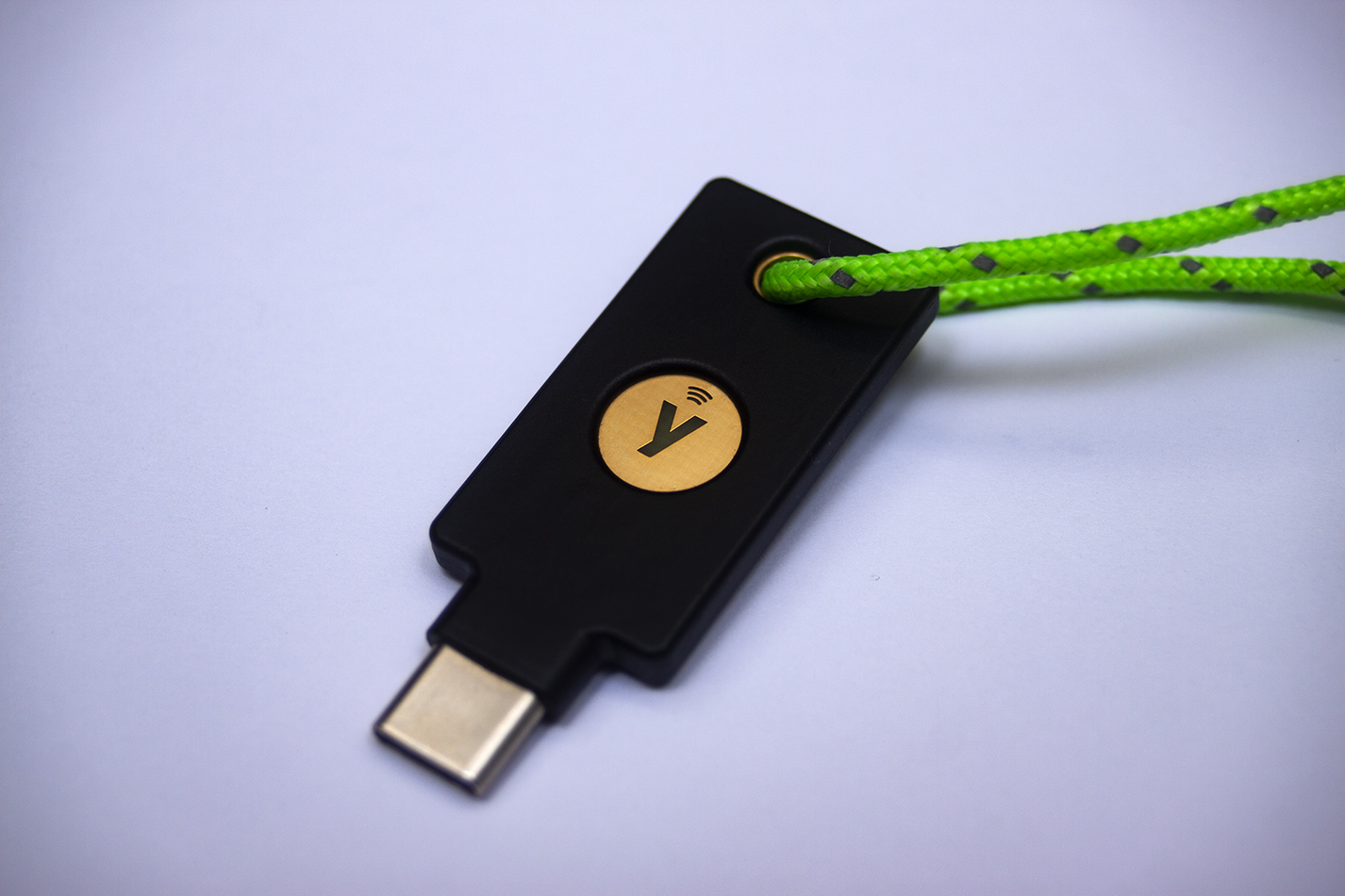
The setup is fairly self explanatory, I run it as a containerised app on my NAS. The documentation is good and it's secure out of the box. The app works on all our phones, there's browser extensions for most browsers. It's easy to set up for a single user and then to have a shared vault with passwords we use as a family - media streaming, home controls etc. It supports 2FA, passkeys, hardware keys. It's not quite as integrated (yet) as Lastpass, but its on my NAS not the cloud, it's free and it's open source.
I've got loads of email addresses for different jobs, a shopping one, a spammy one, a serious one, a social media one, a hobbies one and I'm good at using the right one for the right purpose. The email accounts all have nonsense details in them in case that gets breached. I sound a bit like a conspiracist, but it's turned into a game now! I use a couple of different providers, the obligatory gmail, protonmail, the email provided by my hosting provider and yes I've still got my hotmail address from college days.
They've all got unique long complex random letters, numbers & symbols passwords, 2FA is on them all, and where possible passwordless logins are on. The multiple accounts thing is a key point. I don't use my shopping account on social media, I don't use my serious account for anything other than the most serious things.
Beyond the Basics
Passwords stink. A password manager is the first step, we've talked about this up there, I use Vaultwarden, there's loads of them out there. Stop saving passwords in your browser. If the app supports it use a passkey instead of a password. Passkeys are a pair of keys, the public one is stored by the app you're using and the private key sits on your device and never goes anywhere. They replace passwords for logging in. The app sends a challenge, your device (secured with your finger print / face unlock) signs the challenge using the private key and the app checks it with the public key. This means that the website never gets your password so if it's breached no biggie. They're easy to use and hard to misuse. Get on em.
2FA - 2 Factor Authentication. It adds a second step to your login to underline that it is you and not someone who just knows your password. Factor 1 = password. Factor 2 = something you have (phone, hardware key) or something you are (fingerprint, face). So if someone knows your password, but doesn't have your phone, key, finger or face they can't get into your account. Jobs a good un.
Most second factors rely on TOTP (Time-based One Time Passwords) AKA OTP (One Time Passwords). They're 6 digit codes that change every 30 seconds (MS Authenticator, Google Authenticator, Bitwarden Authenticator etc.). The service you want to use gives the app a shared secret (usually by scanning a QR code), your phone saves this locally, then every 30 seconds both the phone and website smash the secret and timestamp together, then do complex maths on it and use it to generate a 6 digit number.
