
Migration to Omarchy
30 Aug 2026 · Omarchy, Linux, Installation.

The Linux distro I forgot I was using.
Linux post #2. Omarchy Quattro.
I've experimented with Linux for years some have worked with my usage, others less so. The last distro I tried was Fedora. For a while it was working so well I even wrote a post about it. Fedora was OK, it worked mostly, but it still didn't quite hit the mark of being a daily driver.I wanted it to work, I persevered with it, I really did, but after a couple of months I found myself sloping back towards Windows more and more often.
A couple of weeks ago the YouTube overlords showed me a video from Fireship titled "There's a new distro in town for developers", I'm sure the screen said "There's a new distro in town" the for developers bit didn't fit. I watched the video and thought I'm in.

I'm not a developer, but I do write the odd bit of code. I'm not a photographer, but I do take/faff with photos. I'm not a lot of things, but I do use a computer fairly regularly.
If you don't read this whole post, the line is this "Omarchy, the first Linux desktop I forgot I was using"
In the past (I'm looking at you, Ubuntu, Mint, Fedora, Gentoo & all the others I've tried) they install easily, force you to do a bit of faffing to get them daily use ready, and then slowly Linux itself becomes the hobby.
As with any OS experimentation you've got to install it, my drive is already chunked up into a Windows partition and a Linux partition. By this point I'd fallen out of love with Fedora, so rather than back up the weeks of config I just binned the lot and installed Omarchy straight over the top of it. The installation is painless and just a process of answering a few questions and pressing next. A few minutes later (it gives you a stat when you install it) you're presented with a sunset coloured beautifully blank desktop.
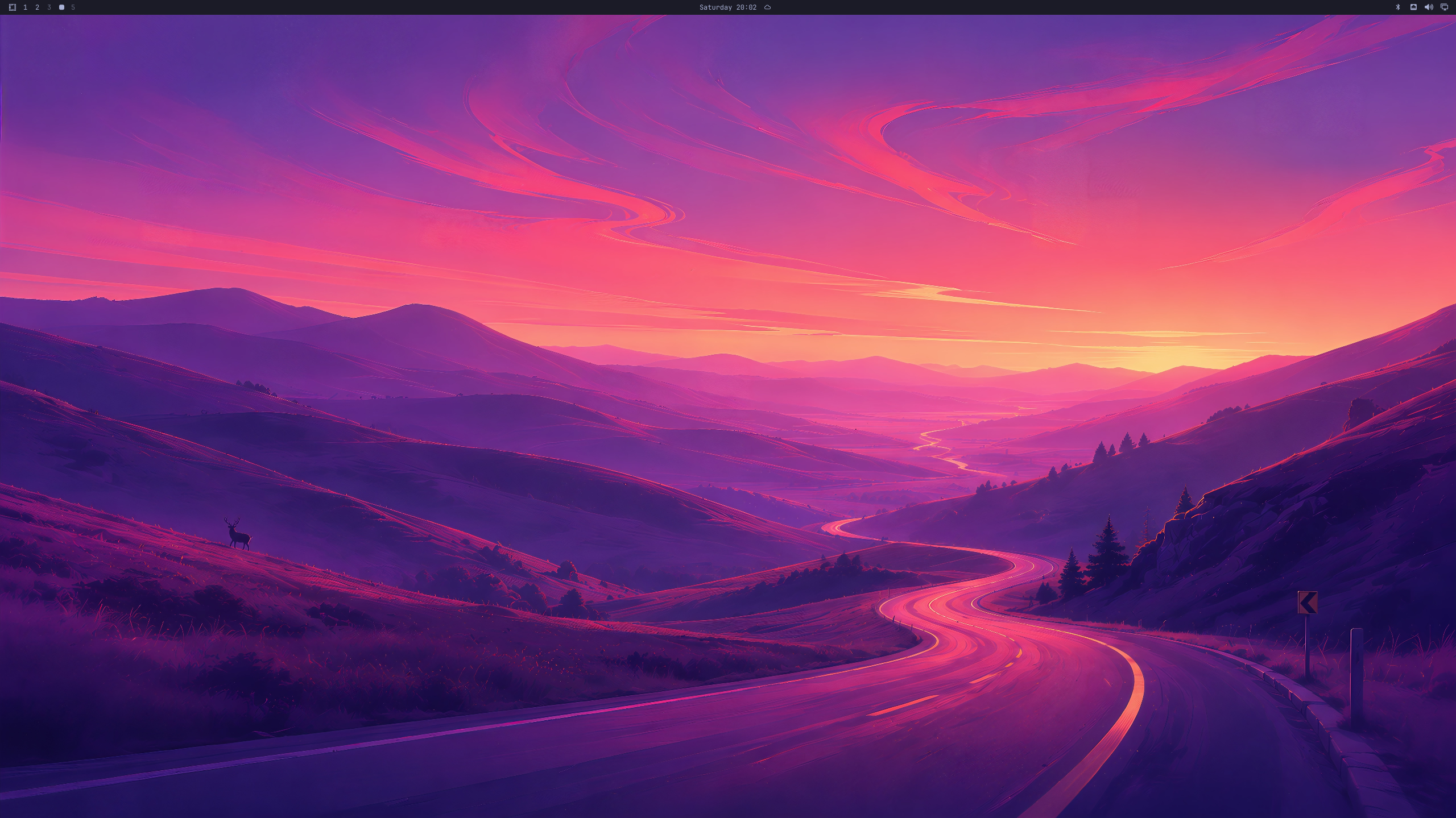
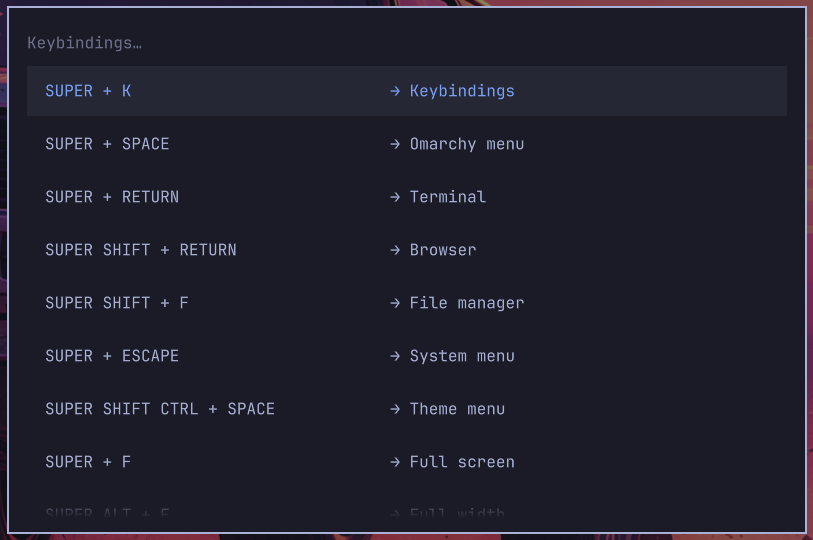
Omarchy is based on Arch Linux, it's fully integrated with Hyprland (a window tiling manager). Hyprland makes Omarchy automatically tile windows, if you've used it before this won't be new to you, but if you're coming from another OS then it's revolutionary (I came from Windows and I had never used it before, so I was part of the revolution).
When you start an app it snaps open full screen. If you open another on the same screen, it resizes the first app and puts the second in the other half of the screen, automatically. For me, it's a game changer. I often have multiple apps open on the same screen. Tiny thing, but the automatic snapping fits my workflow perfectly
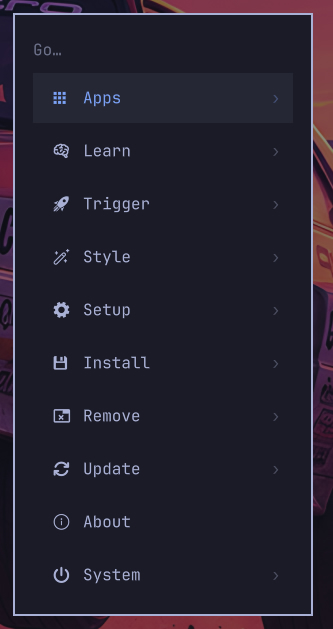
The combo keys take about 3 minutes to get used to and before you know it windows are opening, moving, closing before your eyes without your fingers ever leaving the keyboard. It's a beautiful thing. Maybe it doesn't suit everyone, but I love it.
All of the rest of the things were pretty straightforward, NAS mapping, Tailscale, Vaultwarden and Resolve all went without a hitch. Webex was a bit of a faff, it would start then silently close, but a quick ChatGPT sorted that, it wasn't launching in the right directory.
I've got a CheerPlay presentation thingy, that required a little script to roll one slide at a time (Windows requires the same fix). Setting up my three screens required editing a config file once and it just works now.
Not really part of the OS, but I moved from LibreOffice to OnlyOffice, it's much closer to MS Office, which works for me. It's a simple thing, but I do a lot of writing, spreadsheeting and presentationing, my default is office, but that requires either Windows, which I'm trying to move away from or office online, which I hate. The familiar layout of OnlyOffice has made this much less of a chore, I don't feel hampered using it. You might love LibreOffice and not get what I mean, but for me it's a big thing.
It isn't completely hands-off. When something odd does happen, you need to be comfortable opening a terminal or editing a config file. That's fine for me, but it's also why I wouldn't hand Omarchy to somebody who'd never used Linux before.
I don't think Omarchy is the easiest Linux distro I've ever used and I'm not sure I'd recommend it to you as a first operating system. But it's the first Linux distro I've installed where, a couple of weeks later I've stopped thinking about Linux and just used my computer. I think that's high praise indeed.
If you want to try it, point your favourite browser at omarchy.org and give it a try, you might like it.
How I’m splitting the PC Version 2.0
I did a table like this when I did the Fedora page, so here's one for Omarchy
| Omarchy | Windows 11 |
|---|---|
| Daily browsing | Photoshop |
| Writing, Spreadsheeting, Presentationing | Something that absolutely needs MS Office |
| Website faffing | Awkward vendor tools |
| Coding | — |
| NAS work | — |
| Radio, APRS and RF projects | — |
| General computing | — |
| The three games I play | — |